How to block internet in Android apps
Not every app needs to be online. If you want to save data, protect your privacy or kill distractions, an internet blocker lets you cut off the apps you choose while everything else stays connected. Here is how it works, and why Appcognito makes it effortless.
Block an app's internet in 4 steps
- Install Appcognito and turn on its on-device firewall. No root needed.
- Pick the apps you want offline from your installed list.
- Tap to cut their internet. Wi-Fi and mobile data go at once.
- Automate and lock it by time, place or network so it holds itself.
Smartphones are woven into everyday life, but not every app earns unrestricted internet access. Many Android apps quietly burn through mobile data, track behaviour, serve ads and phone home to remote servers in the background, even when you are not using them. An internet blocker puts that back under your control.
Whether you want to boost productivity, cut your data bill, tighten your privacy or remove distractions, learning how to block internet access for an Android app is one of the smartest steps you can take. This guide covers what an app internet blocker is, the methods available, and why Appcognito is becoming one of the best solutions for Android users.
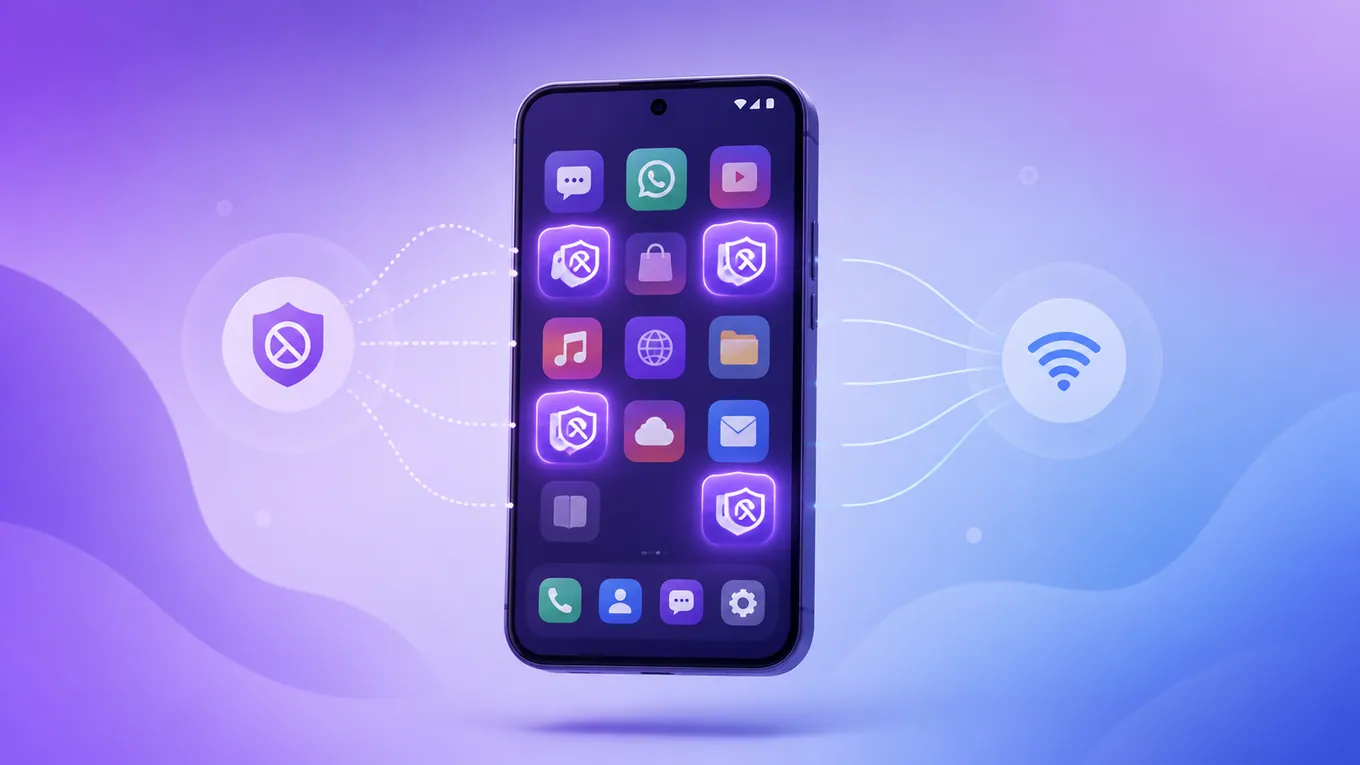
What is an internet blocker?
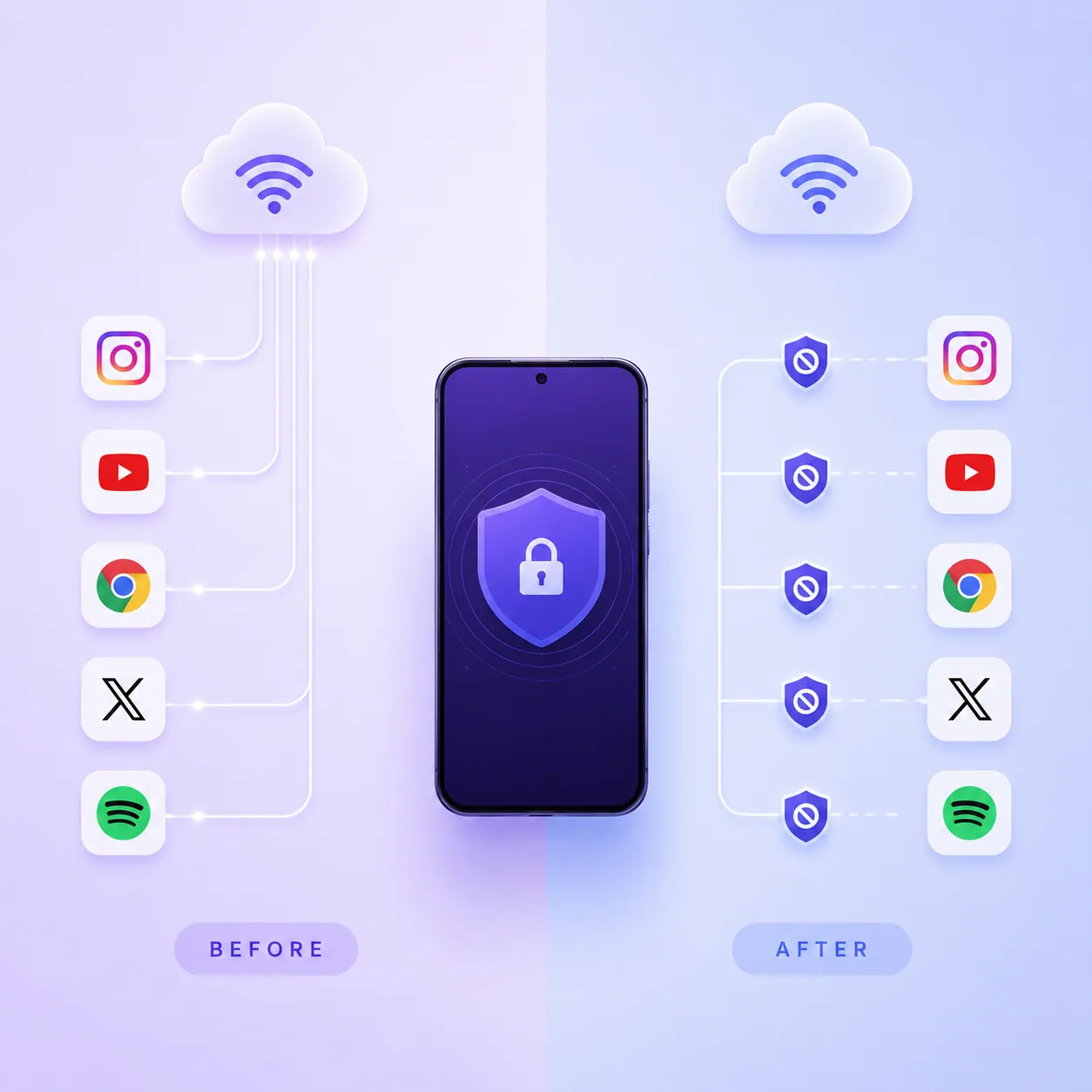
An internet blocker is a tool that stops selected Android apps from reaching the internet while everything else stays connected. Instead of switching off Wi-Fi or mobile data entirely, it gives you precise, per-app control over what is allowed online.
A good internet blocker app helps you cut wasted connections without any technical know-how, which makes it ideal for casual and power users alike.
An internet blocker app helps you:
- Block unnecessary internet access, app by app.
- Stop apps from sending background data.
- Improve privacy and reduce tracking.
- Save mobile data and battery.
- Remove distractions and control children's app usage.
Why block internet access for Android apps?
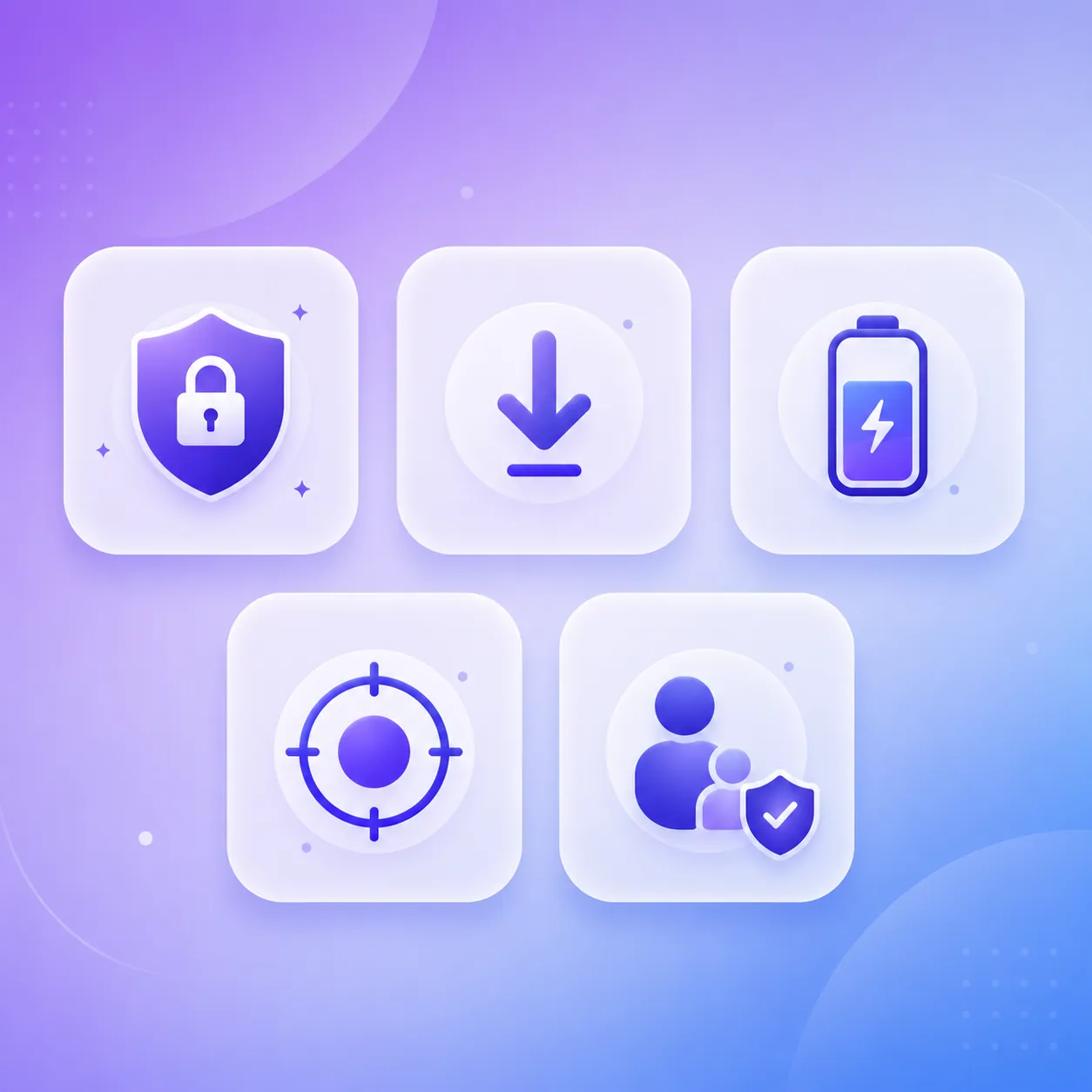
There are several reasons Android users choose to restrict internet access for their apps.
Improve privacy
Many apps talk to external servers even when you are not using them. Blocking their internet access limits unnecessary data sharing.
Reduce mobile data usage
Background syncing and automatic updates burn through mobile data. An app data blocker helps cut that waste.
Increase productivity
Social media and entertainment apps push a constant stream of notifications. Block their internet access and the distractions disappear during work or study.
Extend battery life
Apps that keep pinging servers use more power. Blocking their internet access reduces background activity and saves battery.
Protect children
Parents can block internet access for games or social apps without uninstalling them, so a device stays useful without staying online all the time.
Methods to block internet in Android apps
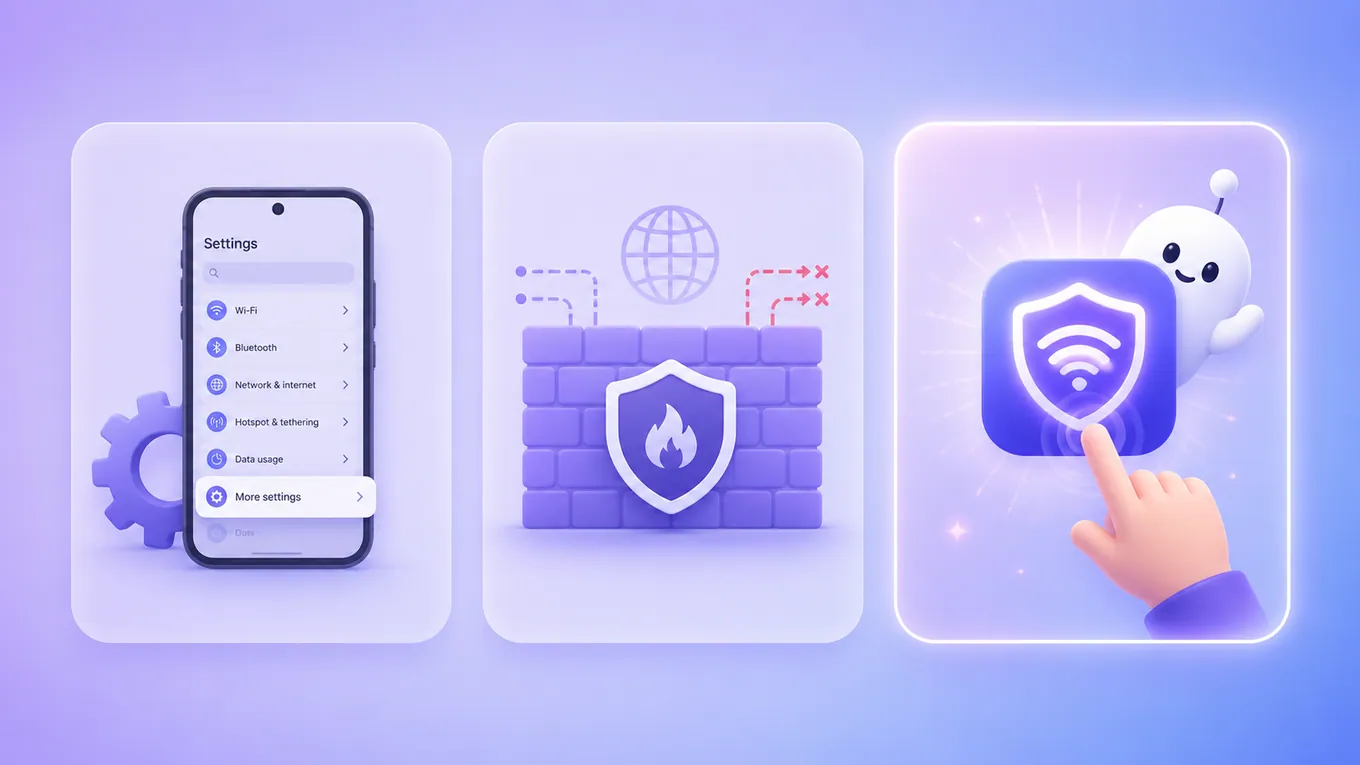
There are several ways to block internet access on Android.
1. Using Android built-in settings
Some Android manufacturers let you disable background data, restrict mobile data, or restrict Wi-Fi for individual apps. It is a start, but the controls are limited, they vary between brands, and they offer no advanced rules or scheduling.
- Pros: no extra app needed, easy to set up.
- Cons: limited control, not on every device, no rules or automatic blocking.
2. Using firewall apps
Another approach is an Android firewall. Firewall apps create a local VPN to watch network traffic and decide which apps may connect. Popular options include NetGuard, Surfblocker and Freedom. Many users searching for a NetGuard alternative prefer a solution that pairs firewall power with real focus features, rather than raw rules alone, which is exactly where an app and website blocker like Appcognito comes in.
3. Using the Appcognito internet blocker
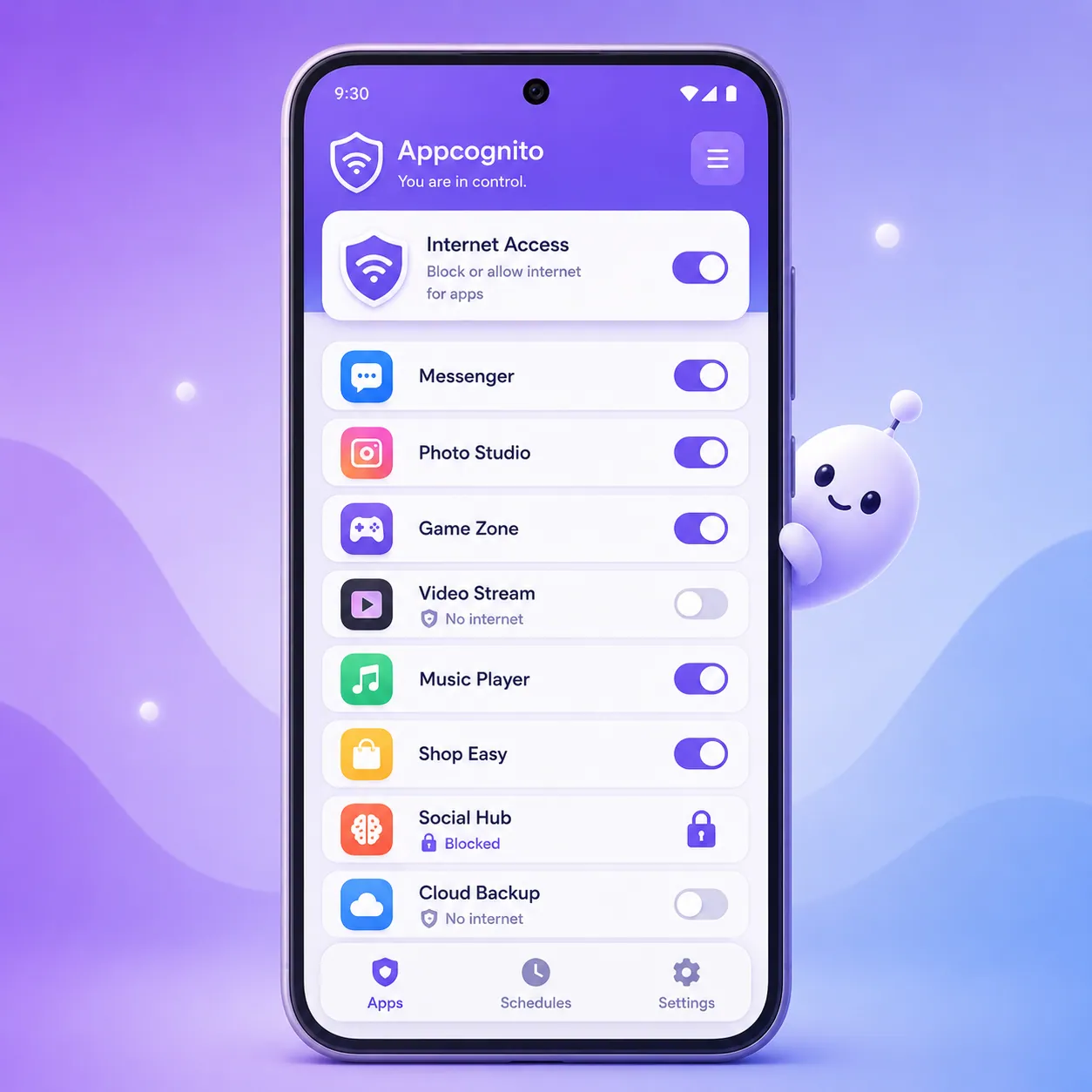
If you want something easier and smarter, Appcognito gives you a powerful way to manage internet access while actually improving your digital wellbeing. Unlike fiddly firewall rule tables, it gives you a clean, tap-and-go interface anyone can use.
With Appcognito you can:
- Block internet access for any Android app individually, in a couple of taps.
- Cut an app off on both Wi-Fi and mobile data at once, so it cannot slip online through either connection.
- Block distracting apps from even opening, not just their internet.
- Restrict internet access for Android apps instantly, then restore it just as fast.
- Stop apps from running up data or talking to servers in the background.
- Reduce mobile data consumption and background battery drain.
- Stay focused during work, study or family time.
- Keep your activity private, because everything runs on your device.
Why Appcognito is one of the best internet blockers for Android
Choosing the right internet blocker comes down to usability, reliability and features. Appcognito stands out because it offers:
- Simple interface. No complicated firewall rules to write.
- Fast internet blocking. Turn an app's connection on or off in a couple of taps.
- Better productivity. Silence distracting apps during office hours or study sessions.
- Stronger privacy. Stop apps constantly reaching out to remote servers.
- Smart data saving. Kill background internet activity and trim your data bill.
- No root required. It works without rooting your device, so it is safe for almost everyone.
- Keeps working when closed. Blocking and rules run natively and survive a restart.
What makes Appcognito different
Most internet blockers stop at the firewall. Appcognito goes further and turns internet control into a complete focus toolkit.
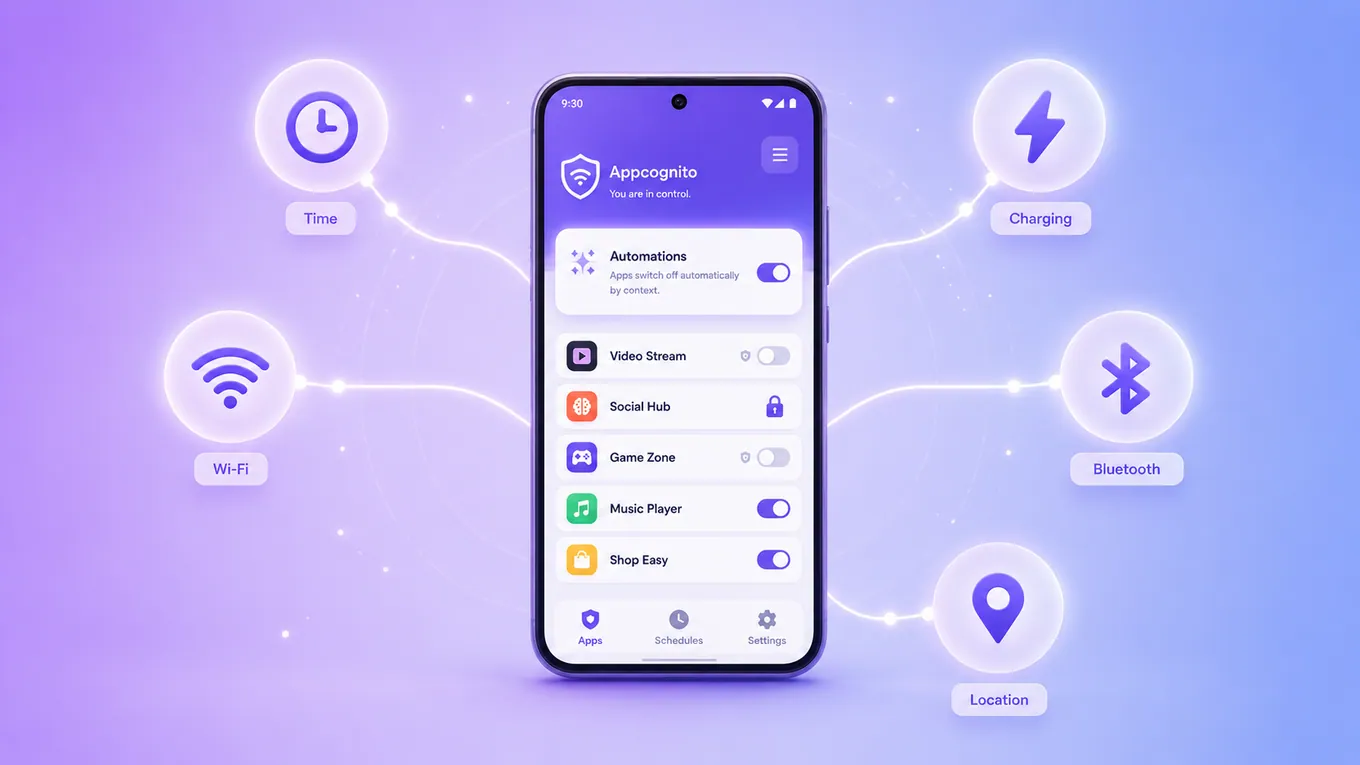
- Two ways to block, not one. Cut an app off from the internet, or block it from opening entirely with a full-screen blocked screen. Your choice, per app.
- Rules that block for you. Set them to trigger by time, charger, Wi-Fi network, Bluetooth device, location, movement and 10 more. Social apps can go offline the moment you reach the office, or every night at bedtime, with zero effort.
- Ready-made kits. Start in seconds with presets for bedtime, work, study, the gym, driving and doomscrolling.

- A streak worth keeping. Appcognito tracks a daily streak and unlocks new levels as your focused days add up, so building a healthier habit feels like progress you can see.
- Built-in adult content blocking. A private, on-device blocklist of over 750,000 domains keeps unwanted content off the device without sending your browsing anywhere.
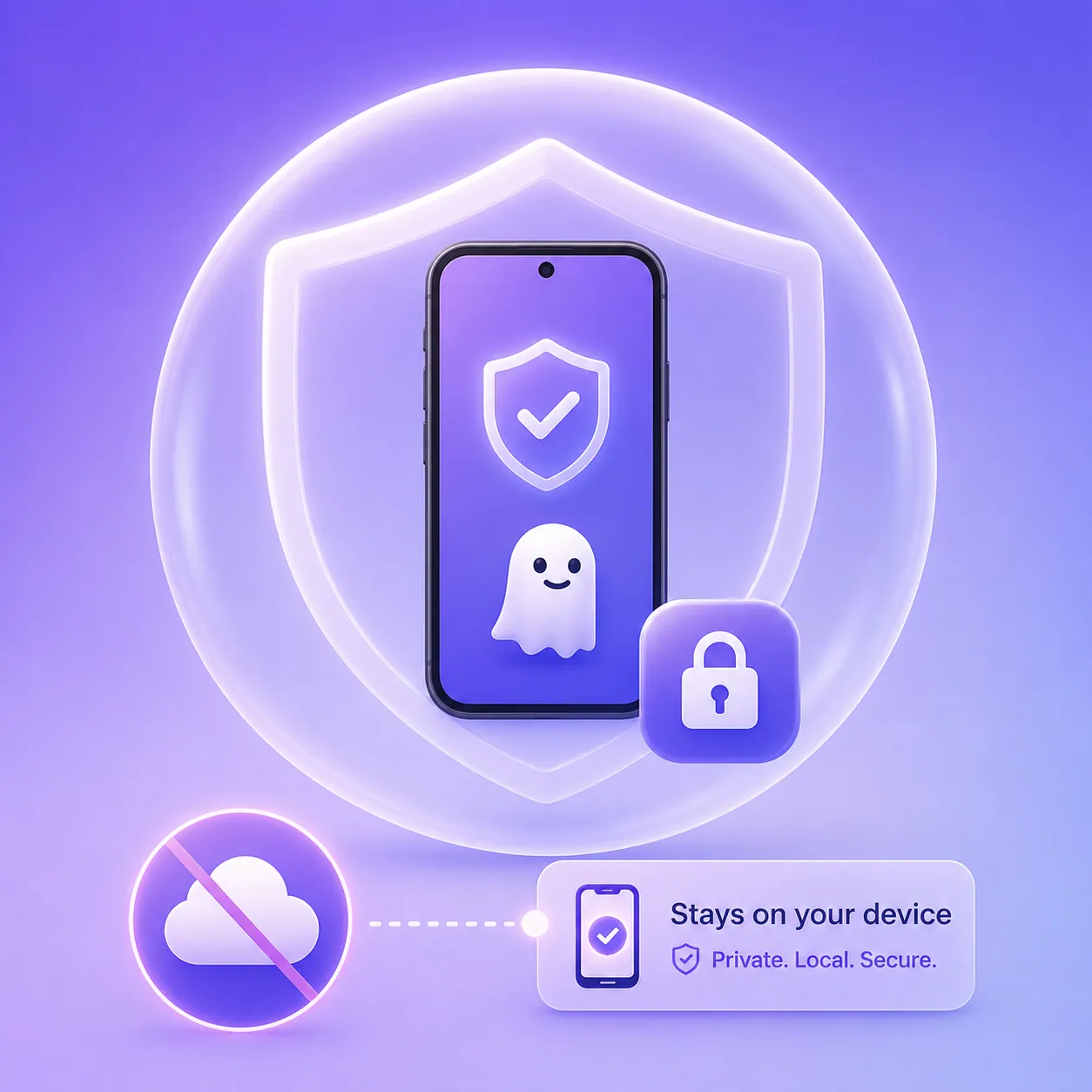
- Accountability that sticks. Optional parental lock and uninstall protection stop the limits being undone on impulse, and a PIN plus biometric lock keeps your settings safe.
- Private by design. No account, no ads, and your activity stays on your phone. See how in our on-device blocking approach.
Benefits of using an internet blocker
Using an app internet blocker pays off over the long run.
- Better focus. End the endless scroll by disconnecting social apps from the internet.
- Lower data bills. Apps cannot use data when their internet is blocked.
- Improved security. Less unnecessary internet chatter means fewer privacy risks.
- Better battery life. Background syncing drops to a minimum.
- Complete app control. You decide which apps stay online.
Best practices for blocking internet access
To get the most from your internet blocker app:
- Only allow internet access for apps you trust.
- Review app permissions regularly.
- Block internet for games during work hours.
- Disable internet for apps you rarely use.
- Use rules and scheduling wherever possible.
- Check background data usage each month.
- Keep your Android system updated.
Pair these habits with Appcognito and you get a healthier, more secure smartphone experience.
Conclusion
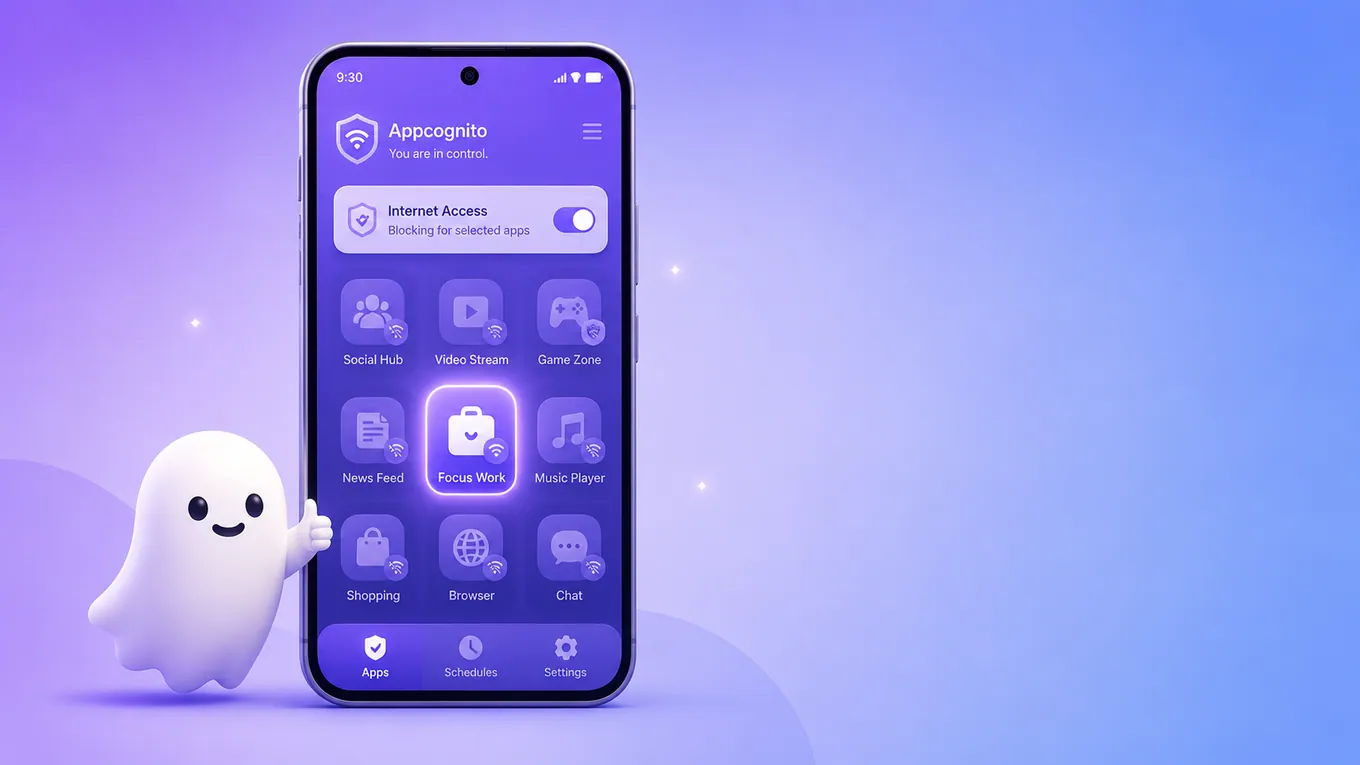
Controlling internet access matters more than ever for privacy, productivity and digital wellbeing. Android's built-in controls are limited and firewall apps can be complex, but Appcognito delivers a simple, powerful and genuinely enjoyable experience. It lets you cut any app off from the internet on both Wi-Fi and mobile data, block distracting apps from even opening, automate all of it by time or place, and keep everything private on your device, without root.
If you are searching for the best internet blocker for an Android app, Appcognito is an intelligent, privacy-first solution that helps you stay focused, save data and take full control of your Android experience.
Related guides: block any website on Android, the AppBlock alternative, the Freedom alternative, or set up Appcognito's on-device blocker and lock it behind a code.
Frequently asked questions
Can I block internet access for one Android app only?
Yes. Appcognito lets you block internet access for individual apps instead of disconnecting your whole phone. You pick the apps, and everything else stays online as normal.
Can I block Wi-Fi and mobile data for an app?
Yes. When you block an app's internet in Appcognito, it is cut off on both Wi-Fi and mobile data at the same time, so it cannot sneak online through either connection. You never have to manage each network separately.
Do I need to root my Android phone?
No. Appcognito blocks the internet without root, using an on-device firewall, which makes it safe and accessible on almost every Android device.
Is using an Android firewall safe?
Yes. Reputable firewall apps are generally safe. Just pick a trusted, privacy-focused option like Appcognito, which runs entirely on your device with no account and no servers.
Will Appcognito keep working if I close it or restart my phone?
Yes. Blocking and rules run natively on the device and survive a restart, so they stay in force even when the app is closed.
Which is the best internet blocker for an Android app?
If you want an easy-to-use tool that combines internet control, focus features and privacy, Appcognito is an excellent choice. It delivers powerful per-app internet blocking, context-aware rules and accountability locks, all without root or complex firewall configuration.
Take control of what goes online
Appcognito blocks an app's internet in a tap, on Wi-Fi and mobile data together, automates it by time and place, and keeps a streak so focus feels like progress. Private by design, free to start.