




No account, no cloud, no sync
Freedom needs an account and coordinates blocking through its servers. Appcognito has no login and no backend. Your block lists never exist anywhere but your phone.
Giveaway Win 1 month of Appcognito Pro, free. Free entry, one per person. Enter now
Freedom charges $39.99 for one year. $39 buys Appcognito outright, forever. It does the same job on Android with no account and no cloud, which also means blocking does not care whether you have signal.
Almost everyone comparing these two is really deciding one thing: does your distraction problem live on your phone, or across all your screens?
If it is spread across a laptop, a work machine and a phone, stop reading and keep Freedom. Its whole architecture, the account, the cloud, the yearly price, exists to make one session cover every device you own at once. Appcognito cannot do that and is not trying to. It is Android-only, it has no server, and those two facts are the same fact.
If the honest answer is that you lose your evenings to a phone, then everything Freedom charges for is infrastructure you are paying for and not using. That is the case this page makes.
Freedom's account is not a dark pattern. It is load-bearing: without it, sessions cannot sync across your devices. But it does have three consequences worth naming.
Your blocklist is data on someone's server. Freedom is a reputable company with a real privacy policy, and this is not an accusation. It is simply a structural fact: the list of things you are trying to stop looking at, which for many people is the most sensitive list they own, exists somewhere other than in their pocket. Appcognito has no server to put it on, so it does not have that problem to manage.
Blocking has an opinion about your connection. Anything coordinated through a server has to decide what happens when it cannot reach one. Appcognito's blocklists, filter and all 16 triggers are local, so its behaviour offline is identical to its behaviour online.
You are renting, indefinitely. Here is the comparison at its starkest: $39.99 buys you one year of Freedom. $39 buys Appcognito outright, forever. The two numbers are within a dollar of each other, and only one of them comes back next year. Freedom's own escape from that is a $199 lifetime licence, five times ours.
Same job, done more privately and for far less. Here is where Appcognito pulls ahead.
Freedom needs an account and coordinates blocking through its servers. Appcognito has no login and no backend. Your block lists never exist anywhere but your phone.
Freedom charges $39.99 for twelve months. Appcognito is ₹2,499 / $39 once and it is yours for good. Monthly and yearly options exist if you prefer them.
A cloud-coordinated blocker has a bad day when the network does. Appcognito's filter is local, so blocking holds on a plane, on patchy data, or with Wi-Fi off.
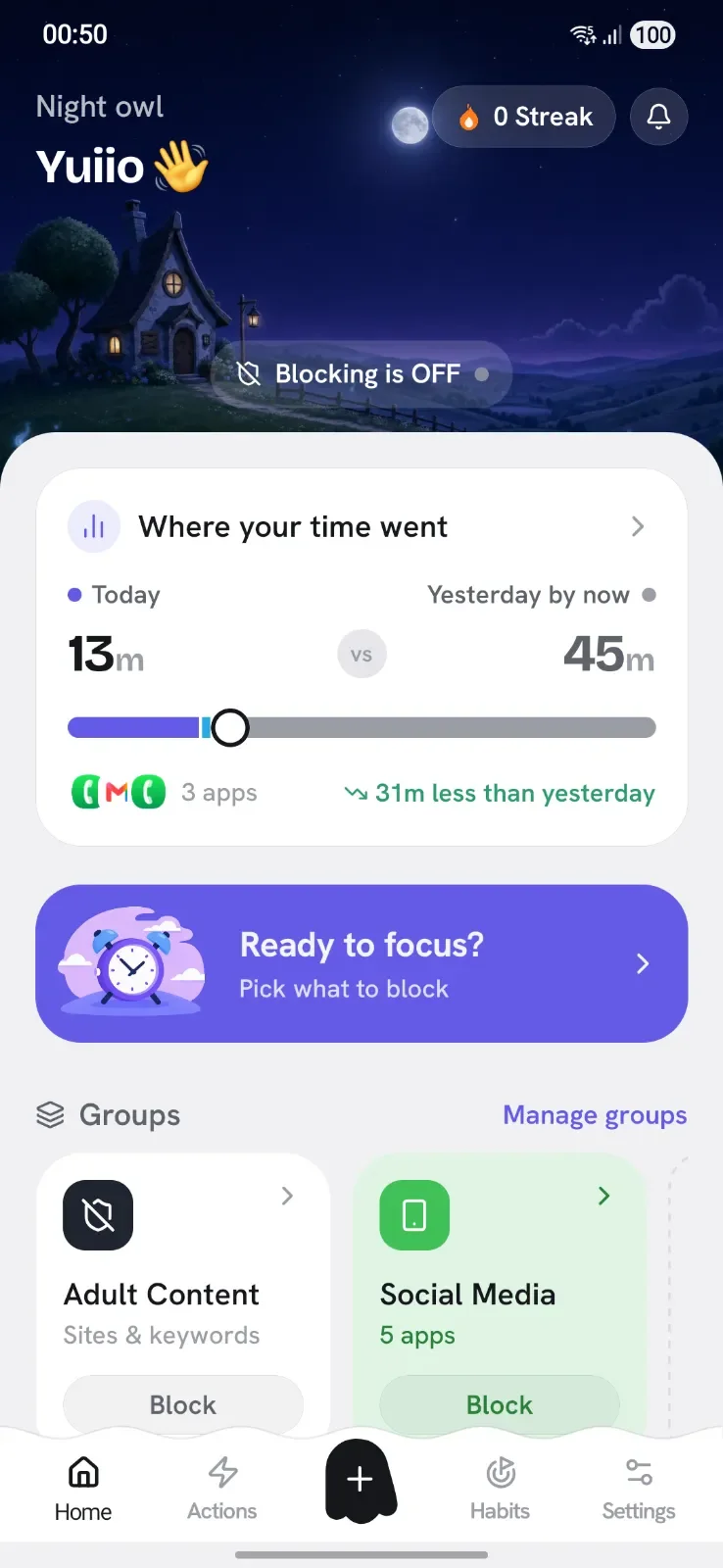
Not just schedules. Fire on usage, screen time, place, network, movement, meetings, battery, charging and more, all evaluated on-device.
Every row is something Appcognito does today, checked against Freedom's own Android information.
| Feature | Appcognito |  Freedom Freedom |
|---|---|---|
| What it blocks | ||
| Apps | ✓ | ✓ |
| Websites | ✓ | ✓ |
| Words on screen | ✓ | – |
| An app's internet, not the app | ✓ | – |
| Built-in adult site list | ✓ | ? |
| AI that spots off-topic screens | ✓ | – |
| Built-in gambling site list | ✓ | ? |
| How it pushes back | ||
| Hard block | ✓ | ✓ |
| Mute notifications | ✓ | ✓ |
| Dim the app | ✓ | – |
| Slow its internet | ✓ | – |
| Pause before unlocking | ✓ | – |
| Pick apps at every unlock | ✓ | – |
| Timed unlocks | ✓ | ✓ |
| Strict mode | $ | $ |
| Whole-phone screen breaks | ✓ | – |
| What switches it on | ||
| Focus sessions | ✓ | ½ |
| Weekly schedules | ✓ | $ |
| Specific dates | ✓ | – |
| Daily time limits | ✓ | – |
| Open-count limits | ✓ | – |
| Location | ✓ | – |
| Wi-Fi network | ✓ | – |
| Bluetooth device | ✓ | – |
| Charging or battery level | ✓ | – |
| Movement | ✓ | – |
| Calendar events | ✓ | – |
| NFC tag or QR code | $ | – |
| Home-screen widget | $ | ? |
| Keeping you honest | ||
| PIN or fingerprint lock | $ | – |
| A partner holds the code | $ | – |
| Uninstall protection | $ | ✓ |
| Progress | ||
| Streaks | ✓ | – |
| Usage report | ✓ | ? |
| Daily habits | ✓ | – |
| Privacy | ||
| No account needed | ✓ | – |
| Block lists stay on your phone | ✓ | – |
| Price for a year of the paid plan | ||
| Paid plan | $14₹699 | $39.99 |
| Pay once, keep it for life | $39₹2,499 | $199 |
Based on each product's own public Android information: its website, help pages, pricing and Play listing. Competitor prices are in US dollars; "~" means the price came from a recent review because it is not published. Features and prices change, so check before you buy. Last reviewed 5 to 8 October 2026. Product names and logos are trademarks of their respective owners, used here only to identify each product.
Freedom's cross-platform sync is the real thing, and nothing here matches it. One session that covers your MacBook, your work PC and your phone at the same time is genuinely hard to build, and Freedom has been doing it well for over a decade. Its Locked Mode is solid, its Sessions model is clear, and if your distraction problem lives on a desktop browser as much as a phone, Freedom is the right tool and you should keep paying for it.
A cross-platform tool has to build for the common denominator between a Mac, a PC and two phone operating systems. An Android-only tool can use things that only exist on Android, and that gap is most of what you gain by switching.
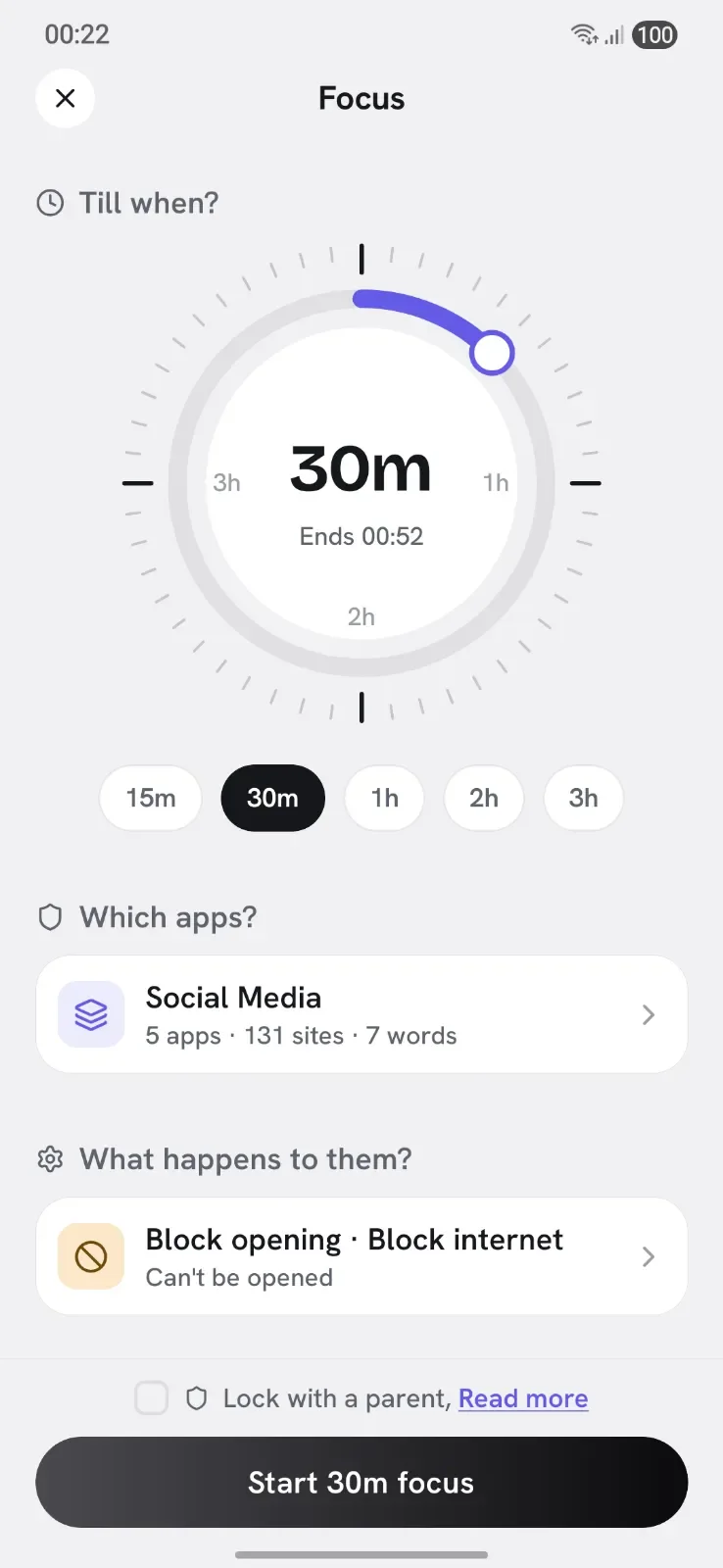
Freedom's sessions are mostly time-based: start now, or start at this hour, for this long. Appcognito has 16 triggers, and the interesting ones are the ones a desktop app has no concept of:
Because Appcognito filters network traffic locally, it can let an app open while giving it nothing to load. The feed is empty, videos do not play, refresh does nothing. This turns out to be the right setting for apps you cannot fully block, like a messaging app you need for work, or the specific compulsion of opening something just to check whether anything is new.
Freedom's Locked Mode is good and this is not a knock on it. Appcognito layers three different frictions so you can dial in how much resistance you actually want:
Over a million adult and gambling domains ship inside the app in a local database, along with substances and gore lists. One tap arms them. Nothing about what you browse is checked against anything remote, and the lists themselves stay hidden in the interface so a blocklist is not itself a browsing history.
A comparison page that claims you lose nothing is not worth reading. You lose:
If none of those three cost you anything in practice, the rest of this page applies.
No export file, no account to migrate. It takes about five minutes.

There is no account step. No email, no password, no device to authorise. You are set up the moment it opens.

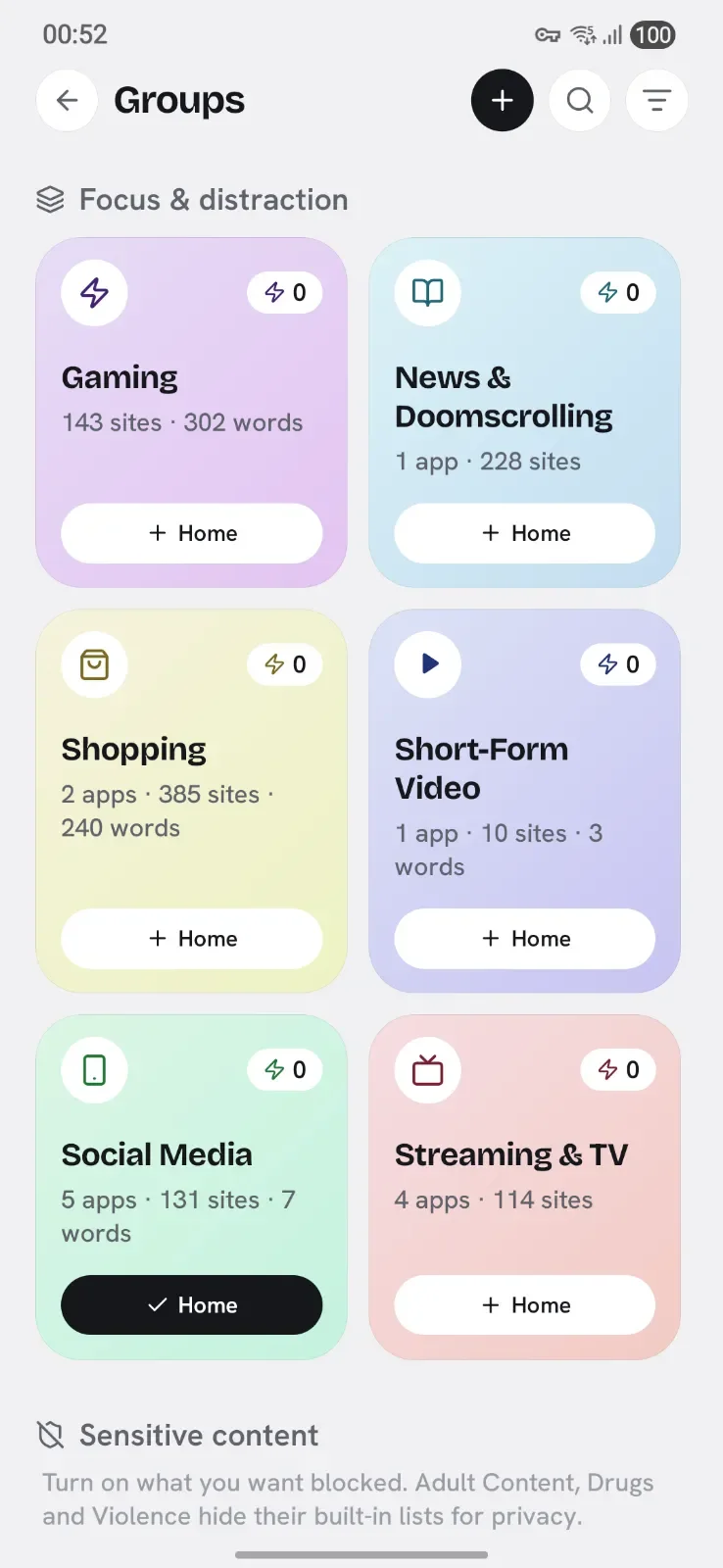
Your Freedom blocklists map onto ours. Eleven ship ready-made, so most people never build one by hand.

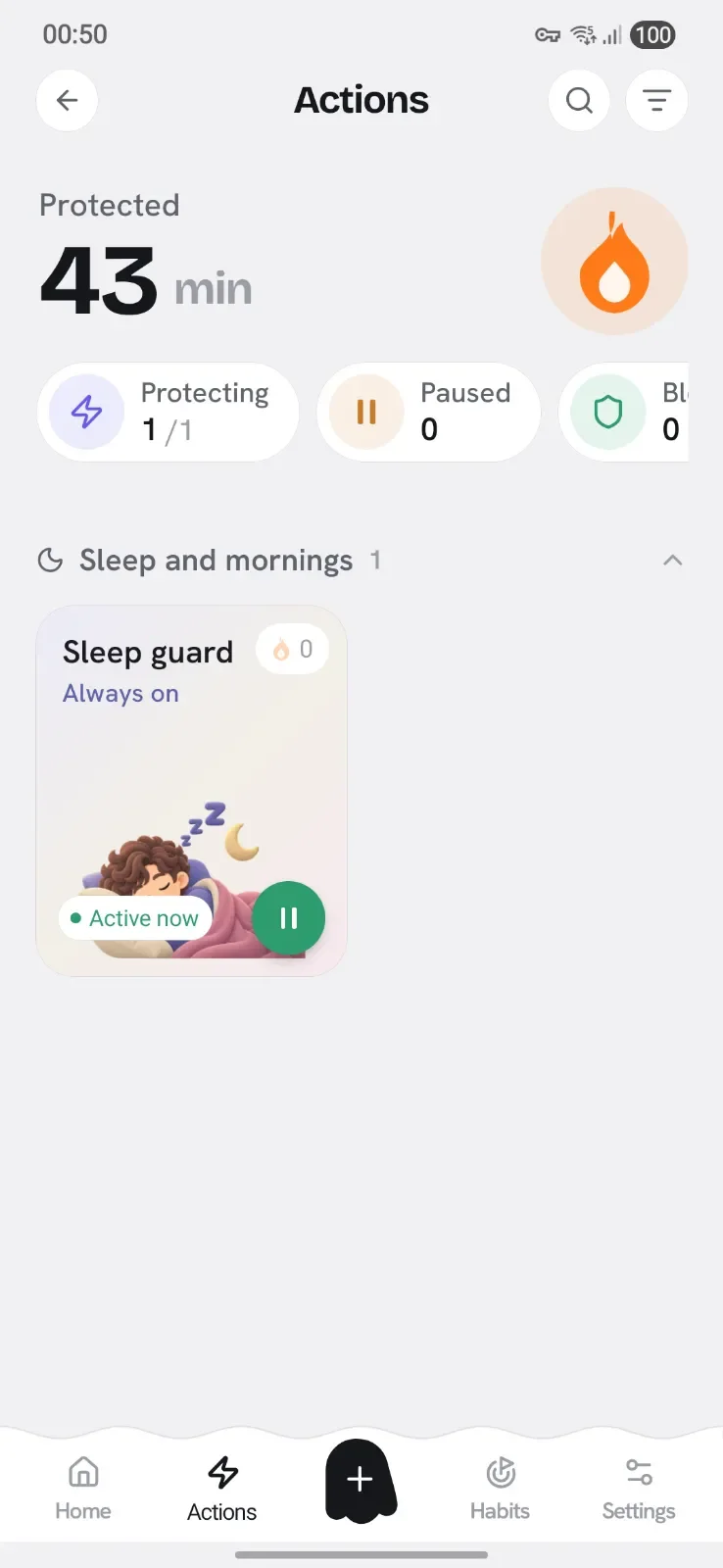
Recurring sessions become scheduled rules. Locked Sessions become Strict mode, which holds for a full 12 or 24 hours before it can be lifted.

Run both until your renewal date. That way you are comparing them in real use, and you are never unprotected in between.

Keep Freedom if you block on more than one kind of device, or you need one locked session covering a laptop and a phone at once. That is what you are paying for and it works.
Switch to Appcognito if your phone is the problem, you would rather your blocklist never left it, you want blocking to behave the same offline, or you would rather pay $39 once than $39.99 every year for the rest of your life.
The free plan has no time limit and the 7 day Pro trial needs no card, so you can run both until your Freedom renewal comes round and decide with actual evidence rather than a comparison table.
Also worth a look: the AppBlock comparison if ads and subscriptions are your issue, Cold Turkey if you came from desktop, and the full Android app blocker roundup.
Yes. Appcognito blocks apps and websites on Android for ₹99 / $1.99 a month, ₹699 / $14 a year, or ₹2,499 / $39 once for life, which is roughly a quarter of Freedom's $39.99 a year, and well under Freedom's $199 lifetime. The free plan has no time limit, and there is a 7 day Pro trial that needs no card.
Appcognito needs no account at all: no email, no password, no sign-up screen. Blocking runs on your device, so there is no login and your block lists and activity are never stored on a server. Freedom requires an account, because that account is what synchronises a session across your devices.
The genuine thing you lose is one session covering your laptop and your phone together. Freedom's account exists to make that work, and Appcognito being Android-only with no backend means it cannot do it. If the distraction you are fighting is mostly on your phone, you lose nothing that matters. If you lose whole afternoons on a desktop browser, Freedom's sync is worth paying for.
Yes, and this is a real practical difference. Appcognito's filter, its blocklists and all 16 triggers are evaluated locally, so blocking behaves identically offline, on a plane, or on bad mobile data. Anything that coordinates through a server has to decide what to do when it cannot reach one, and usually errs towards letting you through.
Yes. Appcognito filters at the network level on your phone, so a blocked domain fails in Chrome, Firefox, Samsung Internet, Brave and the in-app browsers inside other apps, all at once. Switching browser is not a way around it.
No. Appcognito is Android-only today, with an iPhone version on the roadmap and no desktop plans. Freedom is genuinely cross-platform. If you need one blocker covering a Mac, a PC and a phone, Freedom is the better tool and this page is not going to pretend otherwise.
Yes, with no time limit and no ads. Every way of blocking works free: Quick Block, Focus, Rules, Block lists and Habits, all 16 triggers, all 11 built-in block lists, and keyword blocking. Free runs one block list and one rule at a time; Pro lifts that and adds Strict mode, accountability locks, uninstall protection and unlimited challenges.
Weighing up more than one? Here is the honest version for each.
Ads in a focus app, and limits behind a subscription
Desktop only, so your phone stays wide open
Built for iPhone first, at a premium subscription price
A timer that rewards you, but never actually blocks
A pause before the app opens, but no real block behind it

Free forever. Pro is $1.99 a month, $14 a year, or $39 once₹99 a month, ₹699 a year, or ₹2,499 once.
Swap wins, ask for help on a hard night, and tell us what to build next.
Be first to know when Appcognito hits Google Play. No spam, no account, ever.
You are on the list. We will email you the moment Appcognito lands on Google Play. No spam, ever.