




Block any site, in any browser
Add a domain or paste a URL and it is blocked at the network level, so the same block applies in Chrome, Firefox, Brave, Samsung Internet and in-app browsers at the same time.
- By URL
- By domain
- By category
Giveaway Win 1 month of Appcognito Pro, free. Free entry, one per person. Enter now
Block any site by URL, category or keyword. Appcognito's on-device firewall stops it loading in Chrome, every other browser and the in-app browsers inside other apps, with nothing about your browsing leaving your phone.
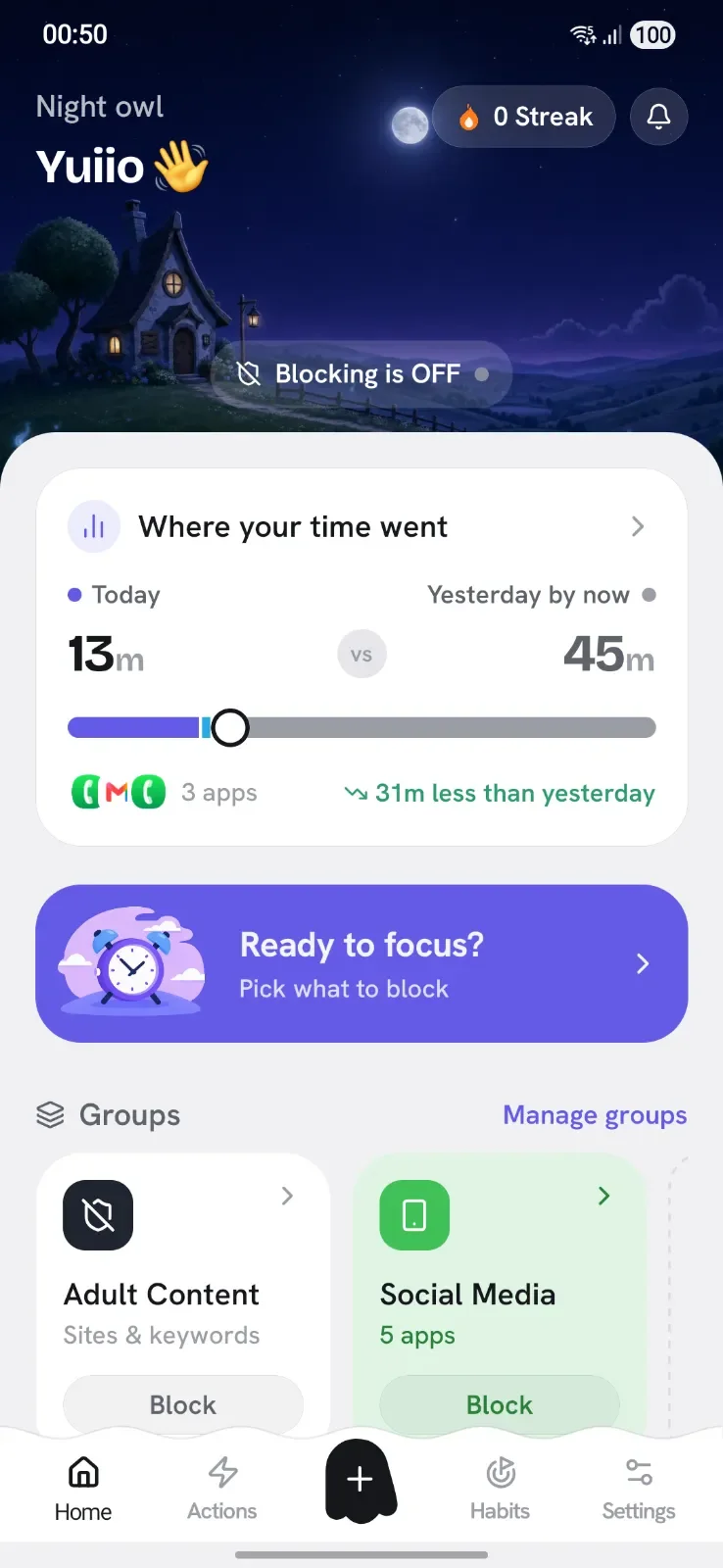
Most site blockers only touch one browser, or only block apps. Appcognito blocks websites and apps together, on-device, across everything.
Add a domain or paste a URL and it is blocked at the network level, so the same block applies in Chrome, Firefox, Brave, Samsung Internet and in-app browsers at the same time.
For pages a list has never seen, keyword blocking reads the visible on-screen text in real time and steps in the moment a blocked topic appears, even on a brand new site.
Block on impulse, on a timer, on a schedule, or in bundles. Pick what fits the moment.
Block a website in one tap when you need to focus right now, then flip it back just as fast.
Lock your chosen sites away for a set time. With an optional code, you cannot reopen them early.
Block sites automatically by time, Wi-Fi, charging, place and 12 more triggers, so the rule starts without you lifting a finger.
Put a whole set of sites, apps and keywords in one block list and switch them on together.
Three steps, no account, and nothing routed through our servers.

Type any domain, paste a URL, or block a whole category. You can add as many sites as you want, and save them in a block list to switch on together.
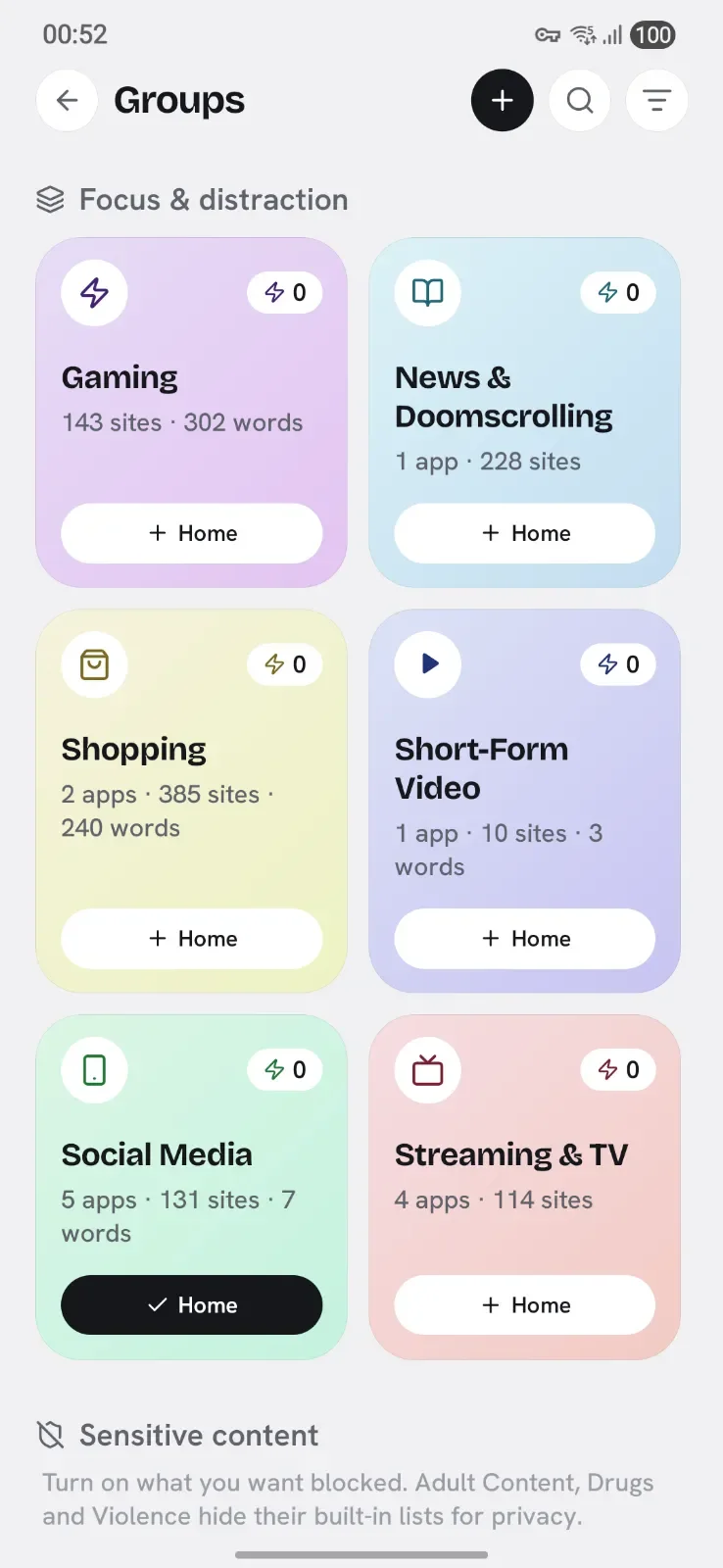

Appcognito runs a private filter on your phone and checks every request against your block list, across every browser and app.
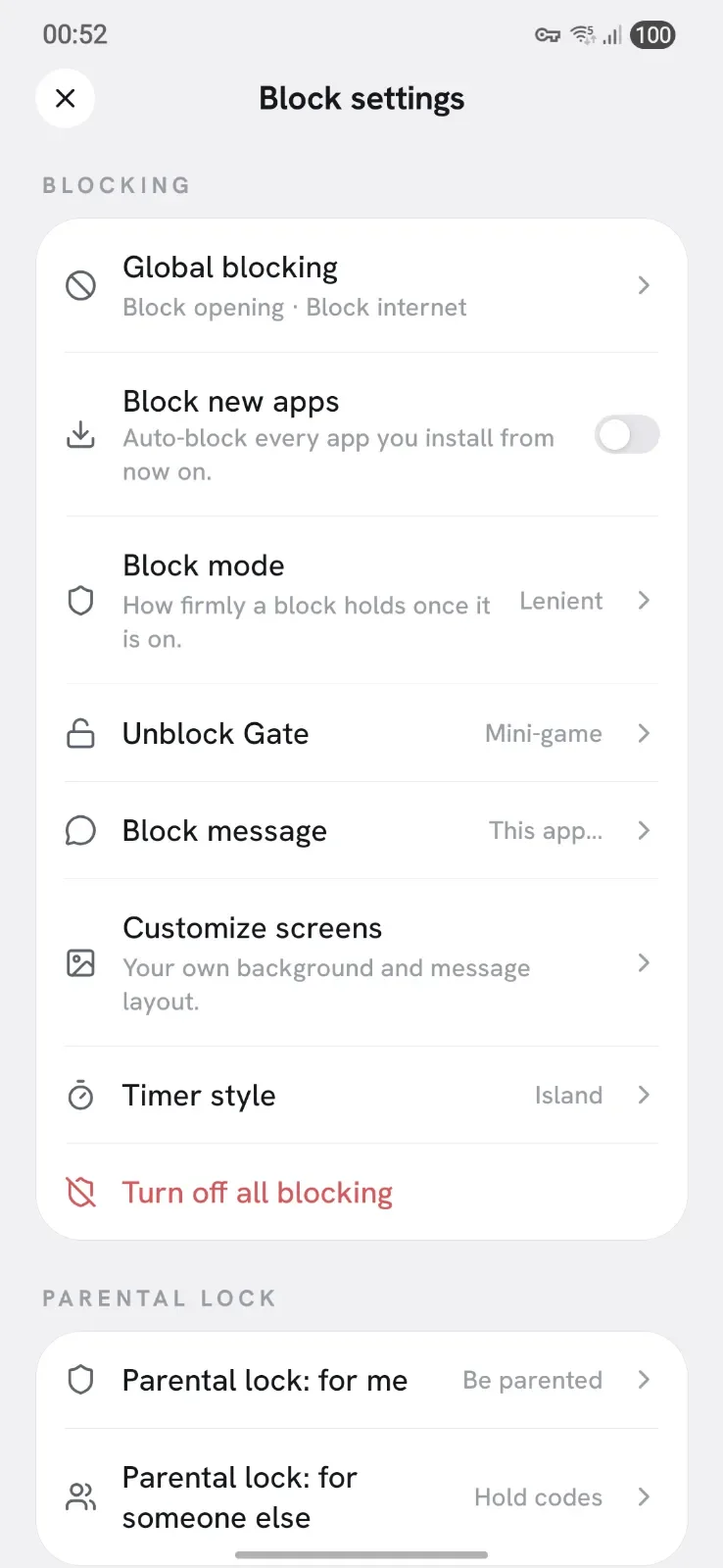

Matching requests are dropped before the page opens. Everything else loads as normal, and nothing about your browsing leaves your device.
Blocked by Appcognito

Install Appcognito, add the site, domain or category to your block list, and its on-device firewall stops that site loading across every browser and app, not just one. There is no account and nothing leaves your phone.
Yes. Because Appcognito blocks at the network level on your device, the block applies everywhere at once, including Chrome, Firefox, Samsung Internet, Brave and the in-app browsers inside other apps.
Yes. You can block individual domains, and you can also block by keyword so pages about a topic are blocked even on sites you did not list. The built-in Adult Content block list stops over 750,000 adult sites in one tap, and the Gambling list covers another 290,000.
Yes. The same firewall blocks distracting apps and websites together, so you can shut out a social network's app and its site at the same time. Most blockers only do one or the other.
Yes. Blocking apps and websites works on the free plan with no time limit, and there is a 7 day Pro trial that needs no card. Free runs one block list and one rule at a time. Pro lifts that, and adds Strict mode, accountability locks and uninstall protection.
Yes. Start a Focus session with a lock code, or with Pro add a parental or partner accountability lock and reboot-proof uninstall protection, so a site you blocked stays blocked.

Free forever. Pro is $1.99 a month, $14 a year, or $39 once₹99 a month, ₹699 a year, or ₹2,499 once.
Swap wins, ask for help on a hard night, and tell us what to build next.
Be first to know when Appcognito hits Google Play. No spam, no account, ever.
You are on the list. We will email you the moment Appcognito lands on Google Play. No spam, ever.